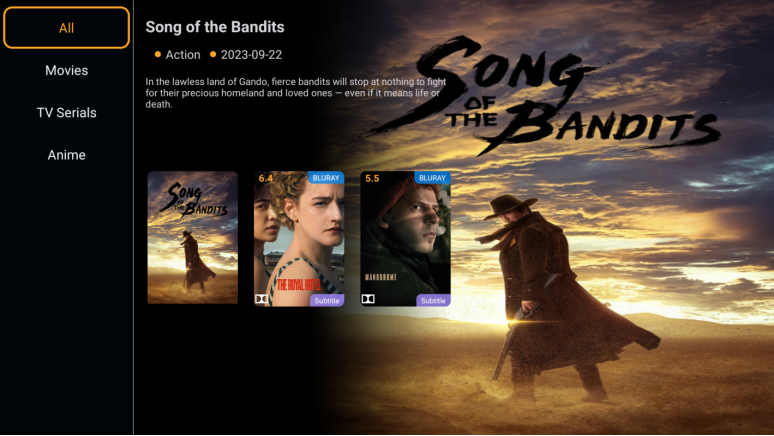
[Popular APPS: CAT VOD Compatibility Test] and [Digibox D3 voice search function test]
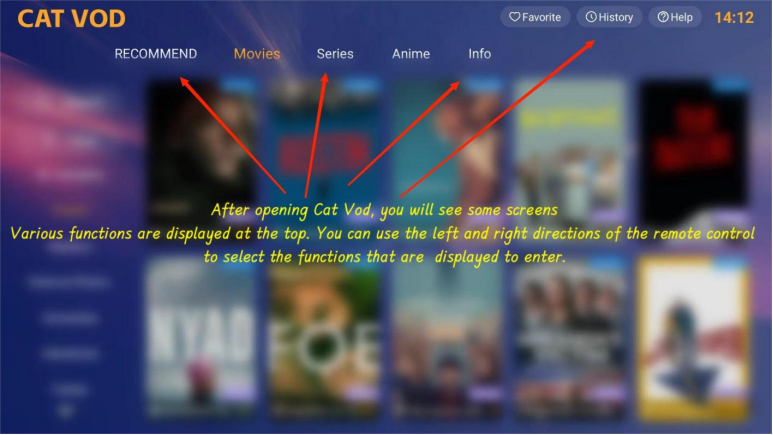
Taking the popular APPS above as an example, let’s try the compatibility of DigiBox’s voice function on CAT VOD (please note: not all APPS are fully compatible with DigiBox’s voice function. If not, please use the traditional search method. Such as text, pinyin, Cangjie, quick, etc.):
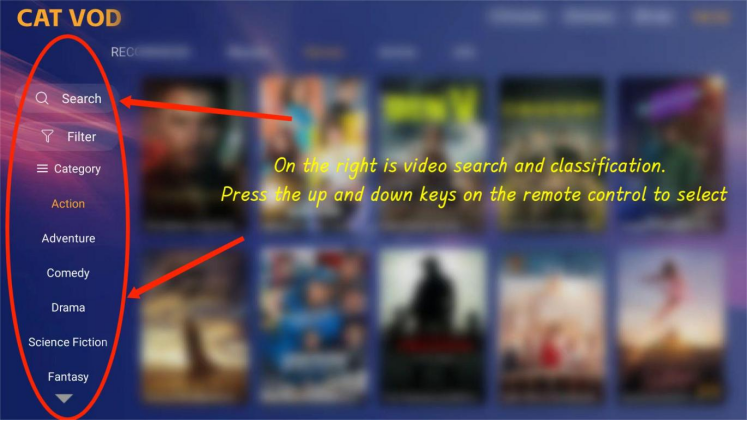
On the right is video search and classification. Press the up and down keys on the remote control to select
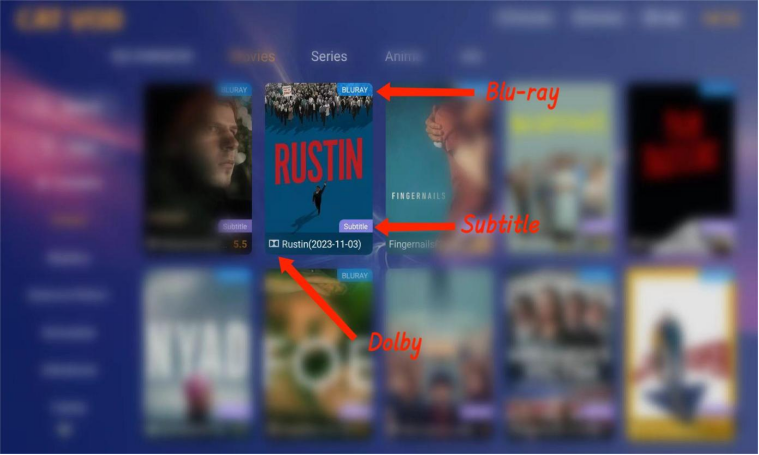
Most of the film sources in the CAT VOD APP are Blu-ray high-definition and support Dolby multi-national subtitles.
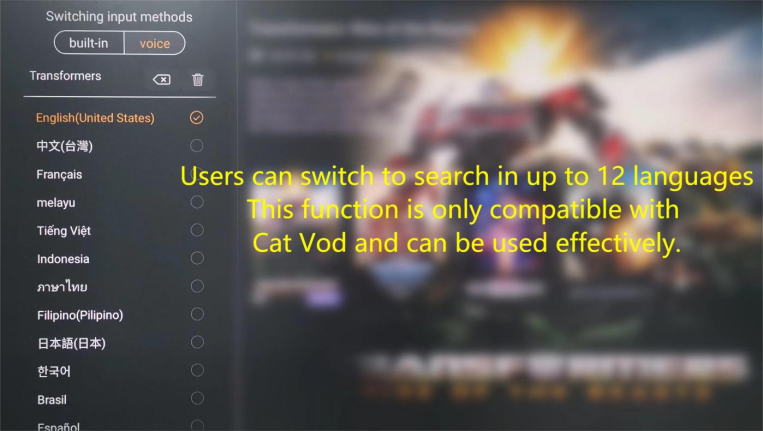
If necessary, users can switch to up to 12 different languages to search at any time in the voice search screen:
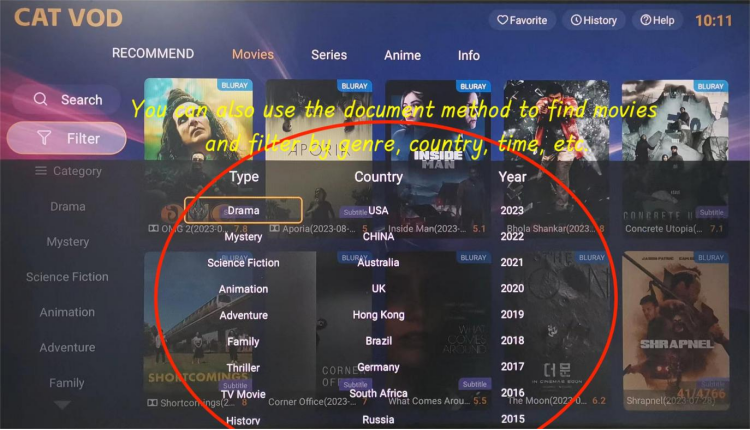
You can also search by category and quickly filter the movies you want to watch according to themes, countries, years, and other categories.
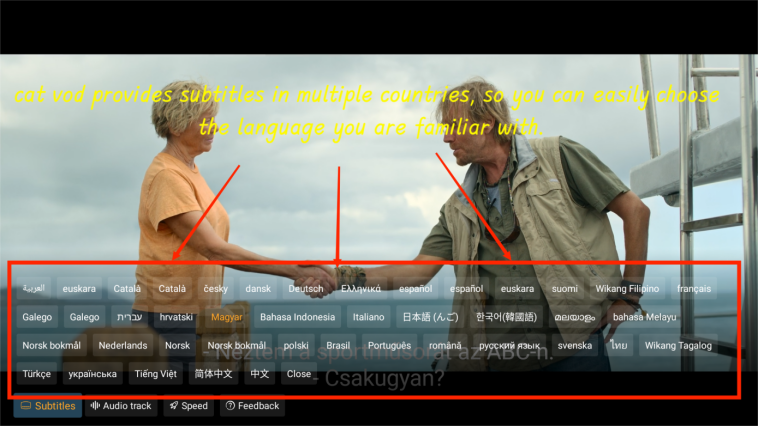
Cat Vod provides subtitles in multiple countries. During playback, press the down arrow key or the settings key to easily select the language you are familiar with.
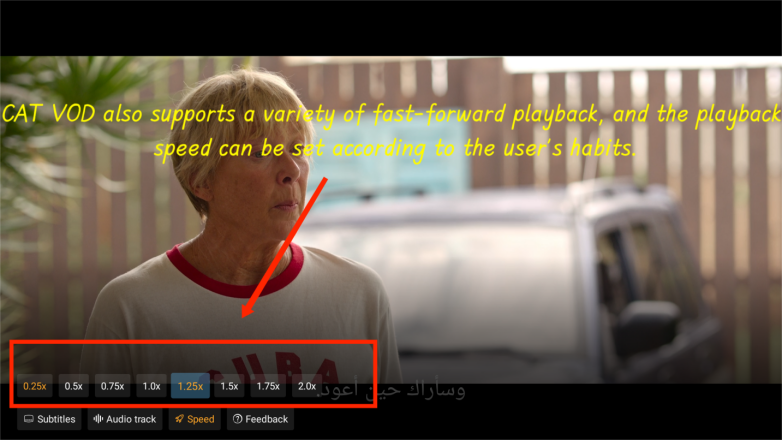
CAT VOD also supports a variety of fast-forward playback and the playback speed can be set according to the user’s habits.
Cat Vod has clear picture quality and full color, making every blockbuster movie look like 4K picture quality.